From the Detail Form Action tab, the recruiters can either send the mail or view/edit the applicant’s already submitted form.
To access this tab, select Recruiter Action > Candidate List > Action Column.
Click on the Detail Form Action tab.
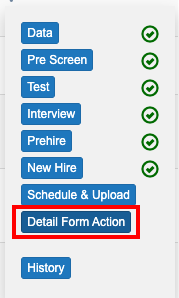
The Send Mail and Open Form options will be displayed as shown in the above screen.
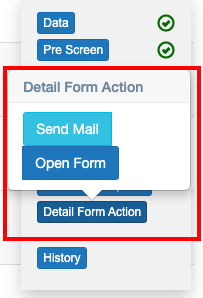
Send Mail
This option is to send emails to the candidates whose application is received for a vacancy, asking them to fill up the Detail Application Form.
Click on Send Mail option.
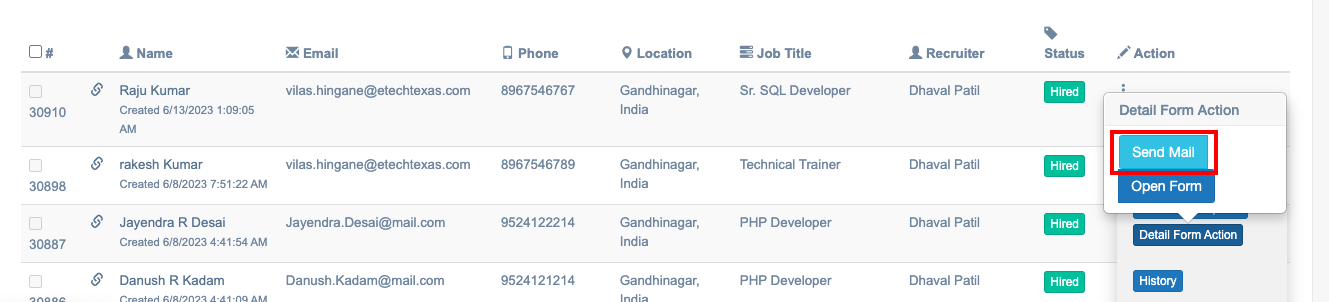
The email in the following format will be sent to the candidates immediately.
Subject: Thank You for Applying at Etech Global Services
Thank you for your interest with Etech Global Services.
In order for us to take your application ahead, we need some additional information regarding your candidature & one of our talent acquisition team members will be reaching out to you soon.
Alternatively, you can also reach out to us between 10:00 AM – 7:00 PM at
Vadodara – 8000755169
Gandhinagar – 7862941946
Medallia – 7043342763
Regards,
Etech Talent Acquisition Team
Open Form
This option is to open the Detail Application Form. the recruiter can even edit the applicant’s details.
Click on the Open Form option.
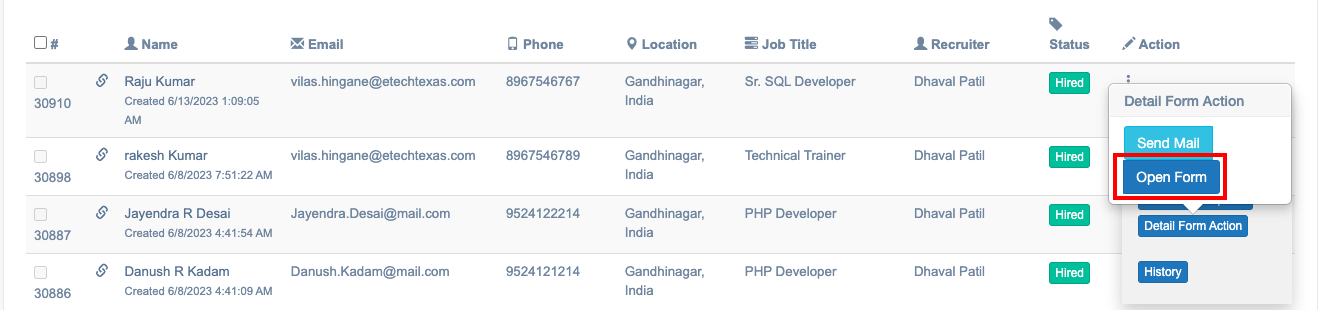
The following page will be displayed:
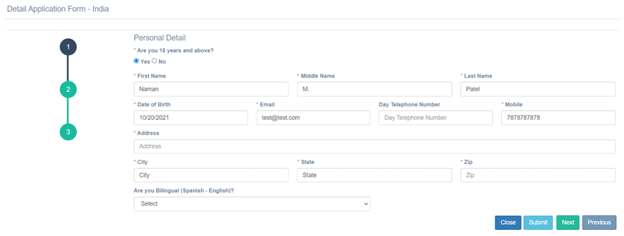
- Click Next to view the next page or click Previous to view the previous page.
- Click Submit once the form is updated.
- Click Close to close this window.