While applying, the applicant enters certain basic details through the quick application form on EtechGS or ATS Application Form.
The Data tab allows the recruiters to view details filled in by the applicant.
To access this tab, select Recruiter Action > Candidate List > Action Column.
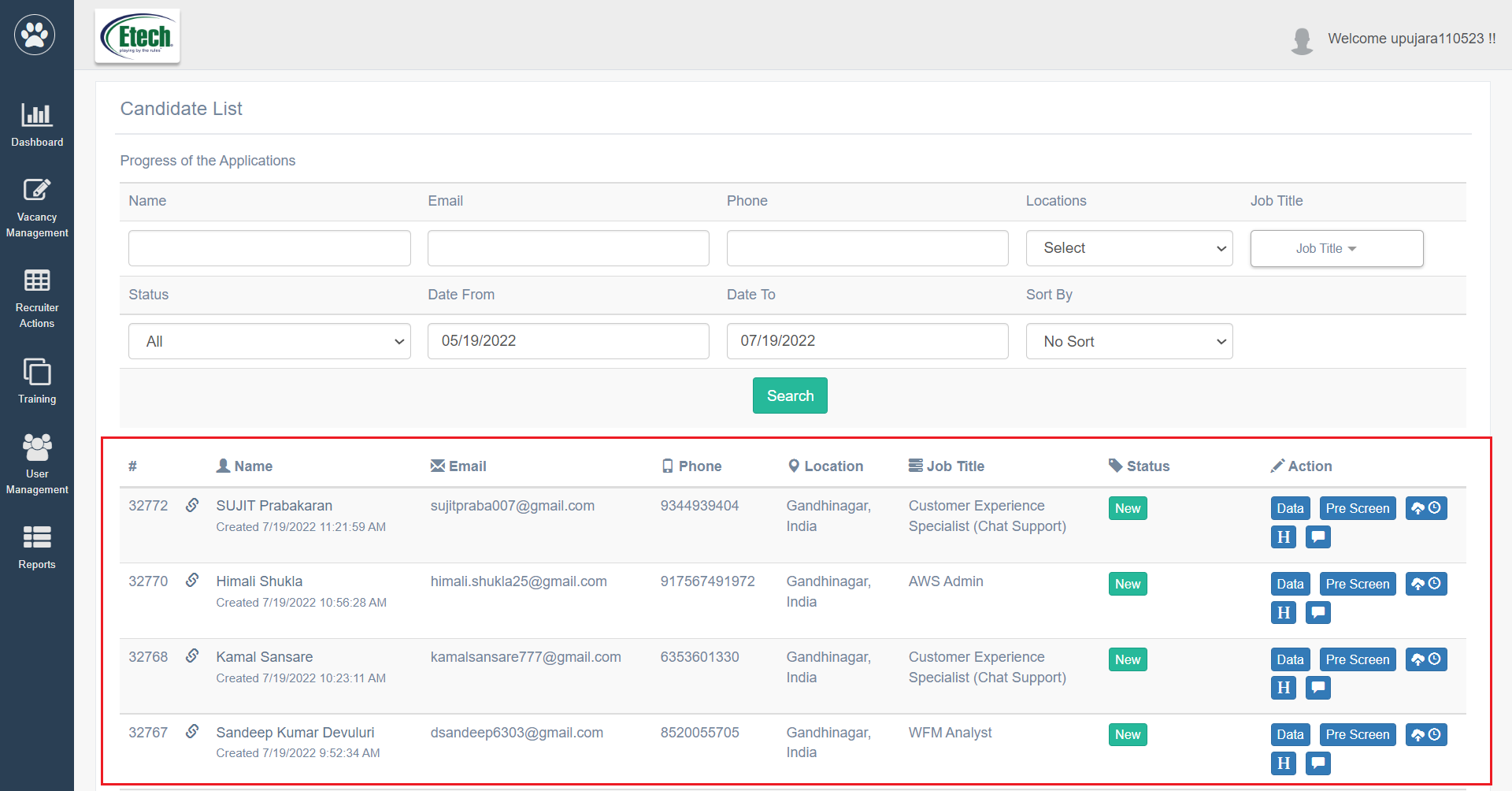
Click on the Data tab.
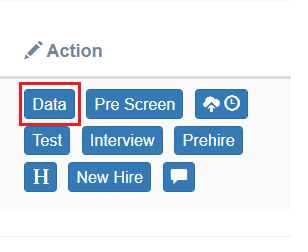
The Applicant Details page will appear as shown below:
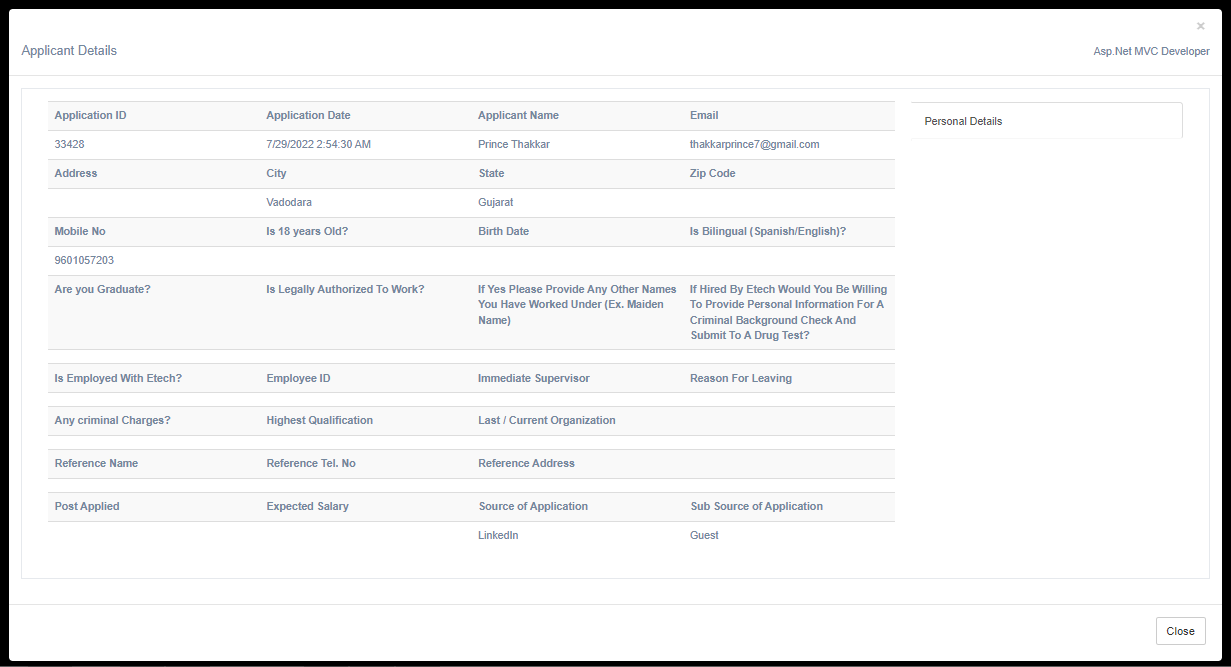
All the details provided by the Candidates will be displayed on this page. Recruiters can only view these details.
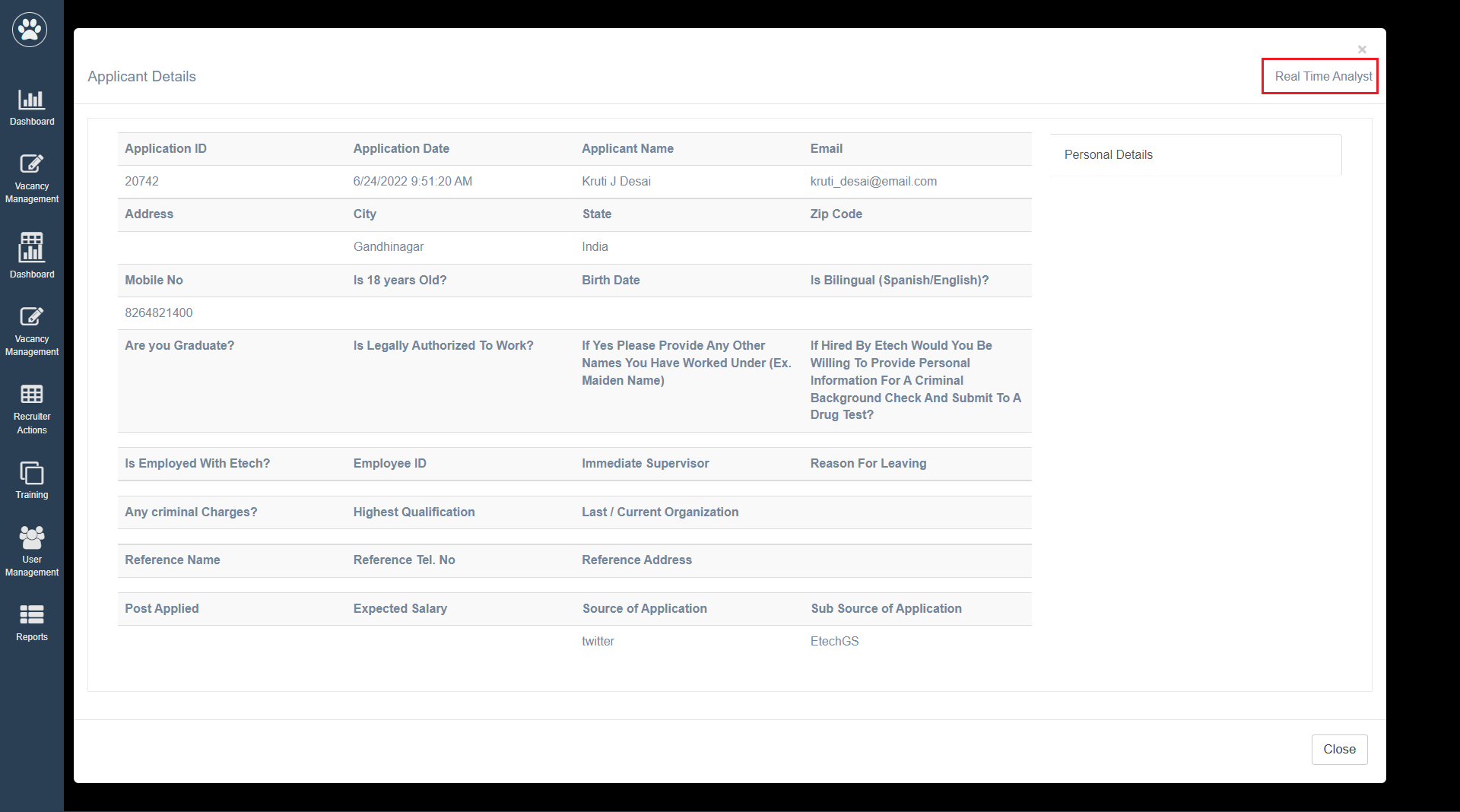
On the top right corner of this page, the Job Title for which the candidate has applied will be displayed as shown below:
Click Close.