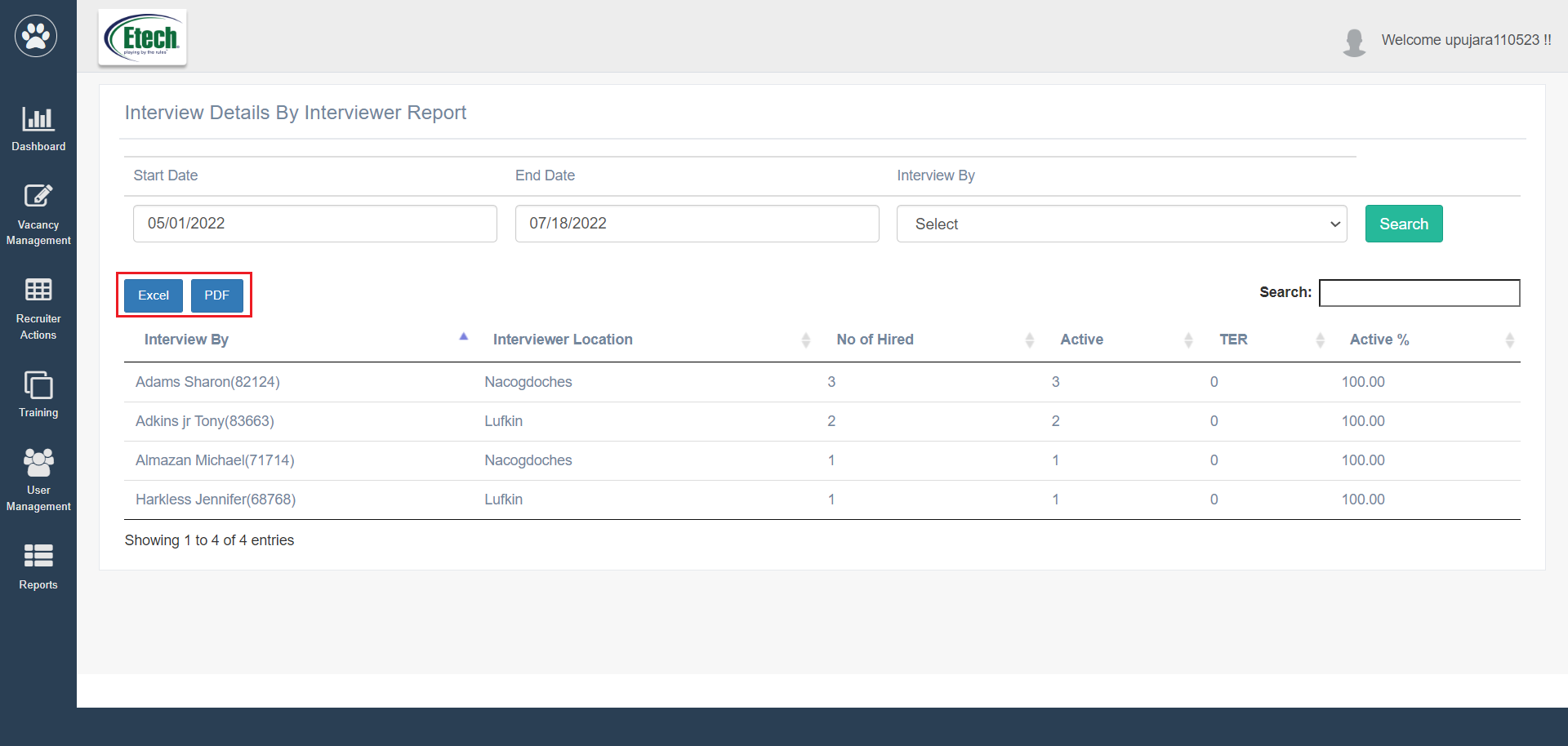
The authorized users can view the interview details provided by the interviewer for different candidates.
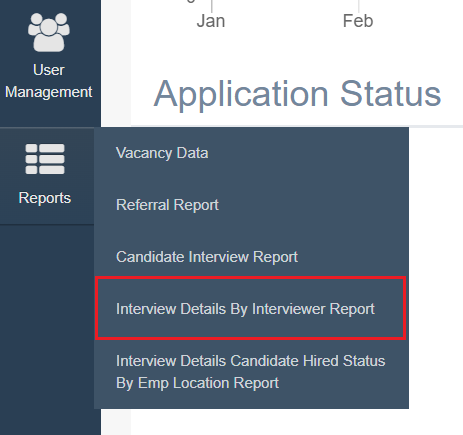
To access this report, select Report > Interview Details By Interviewer Report.
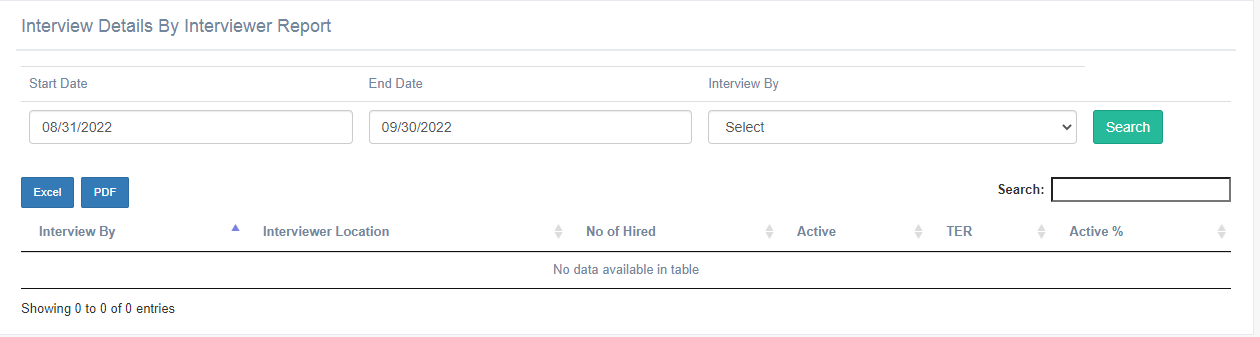
The Interview Details By Interviewer Report will be displayed as shown below:
To search for specific dates, set the date range by selecting the Start Date and End Date search filters.
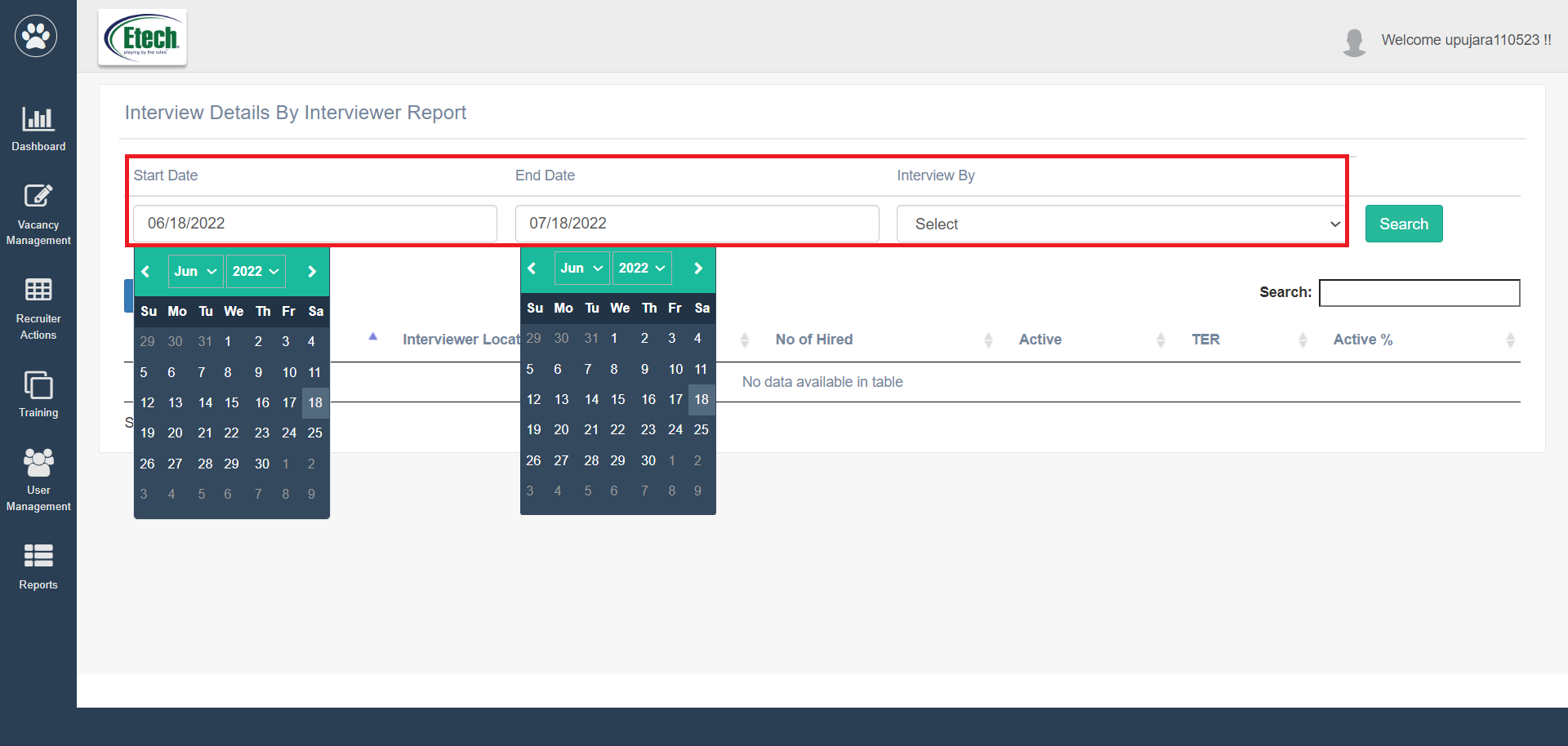
Then click on the Search button.
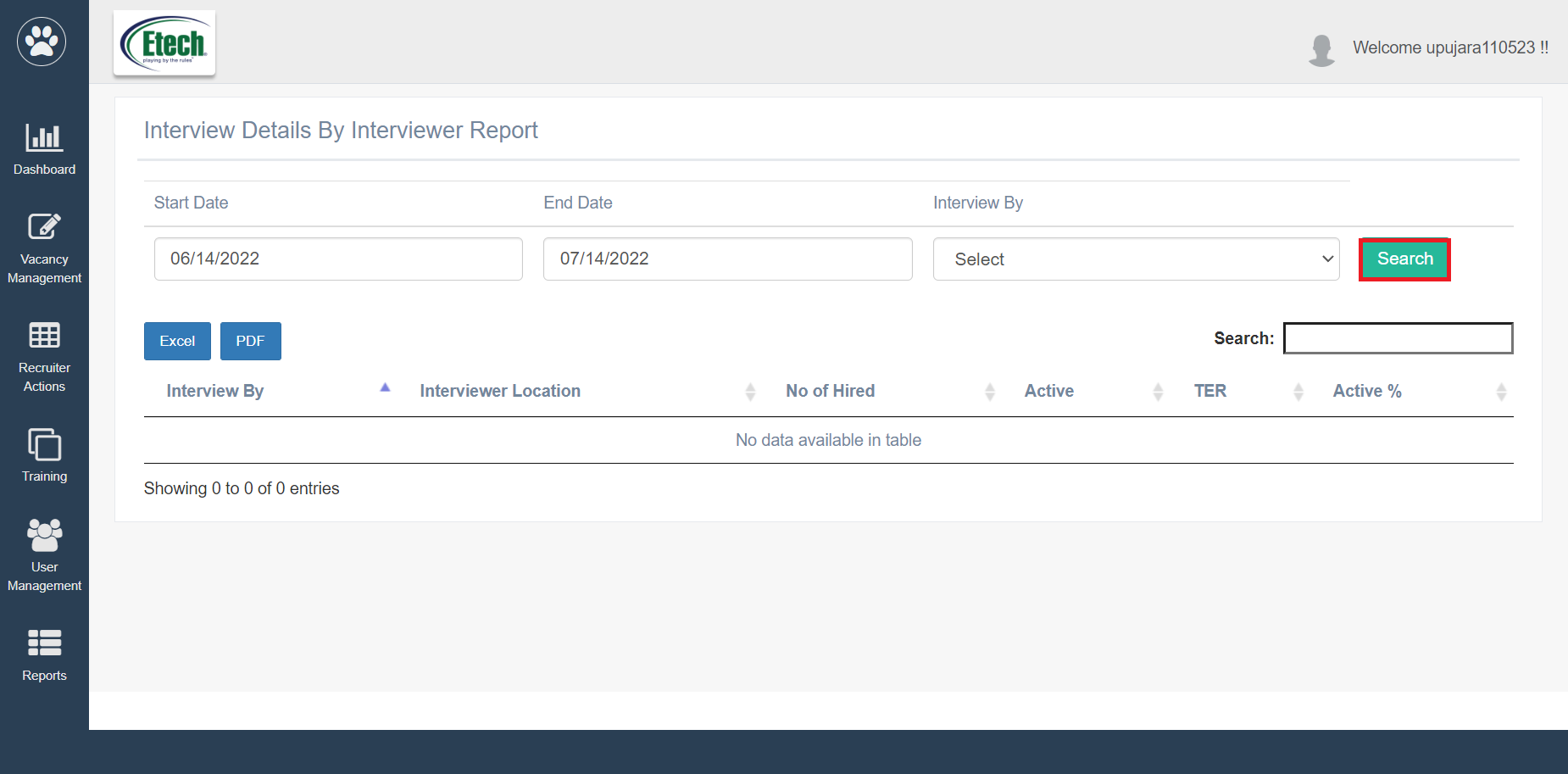
Based on the set filters, the data will be displayed as shown below:
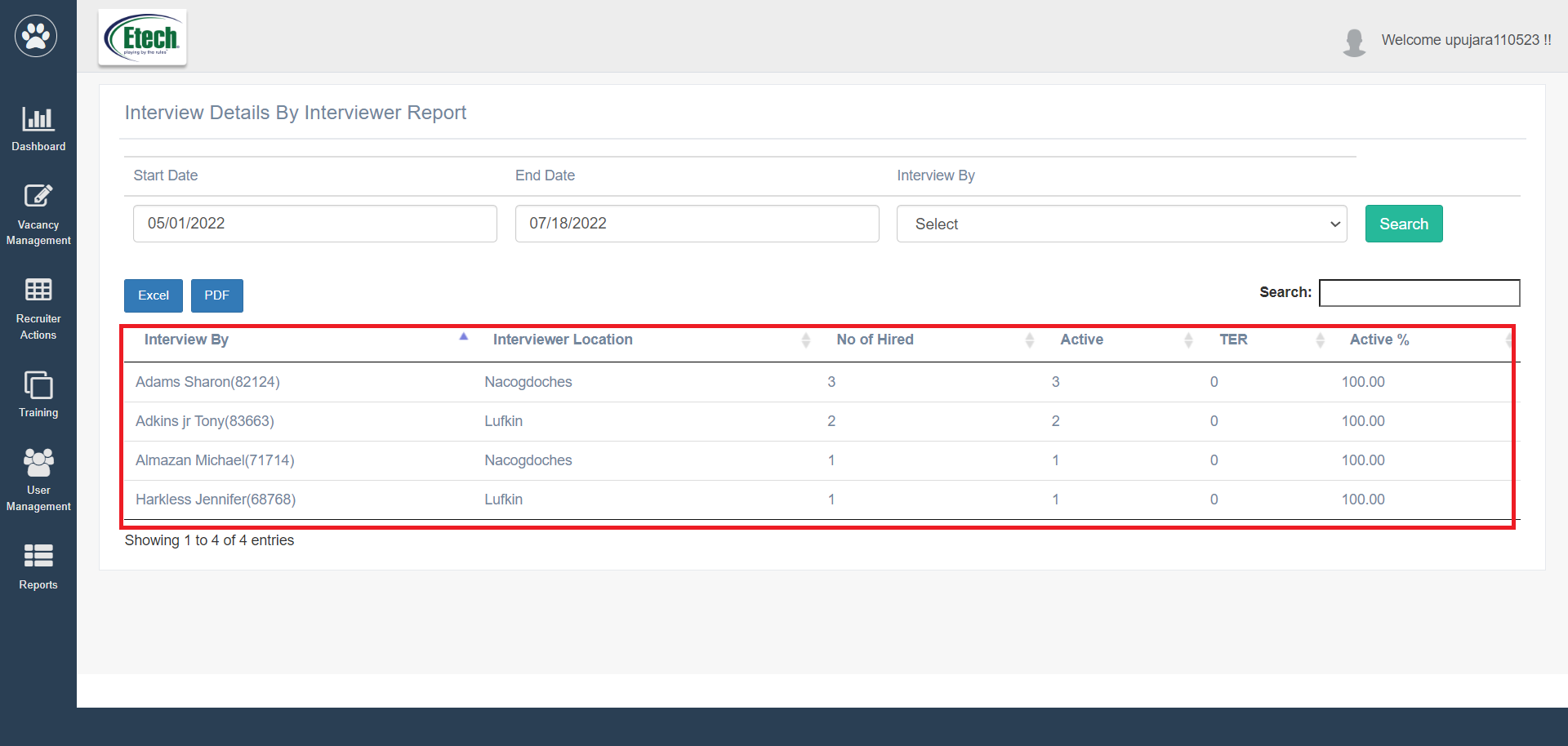
This report displays the following information:
- Interview By: The name and the clock number of the interviewer will be displayed.
- Interviewer Location: The work location of the interviewer will be displayed.
- No. of Hired: The number of candidates who got hired will be displayed.
- Active: The number of active candidates who got hired will be displayed.
- TER: The number of TER will be displayed.
- Active%: The active percentage of candidates who got hired will be displayed.
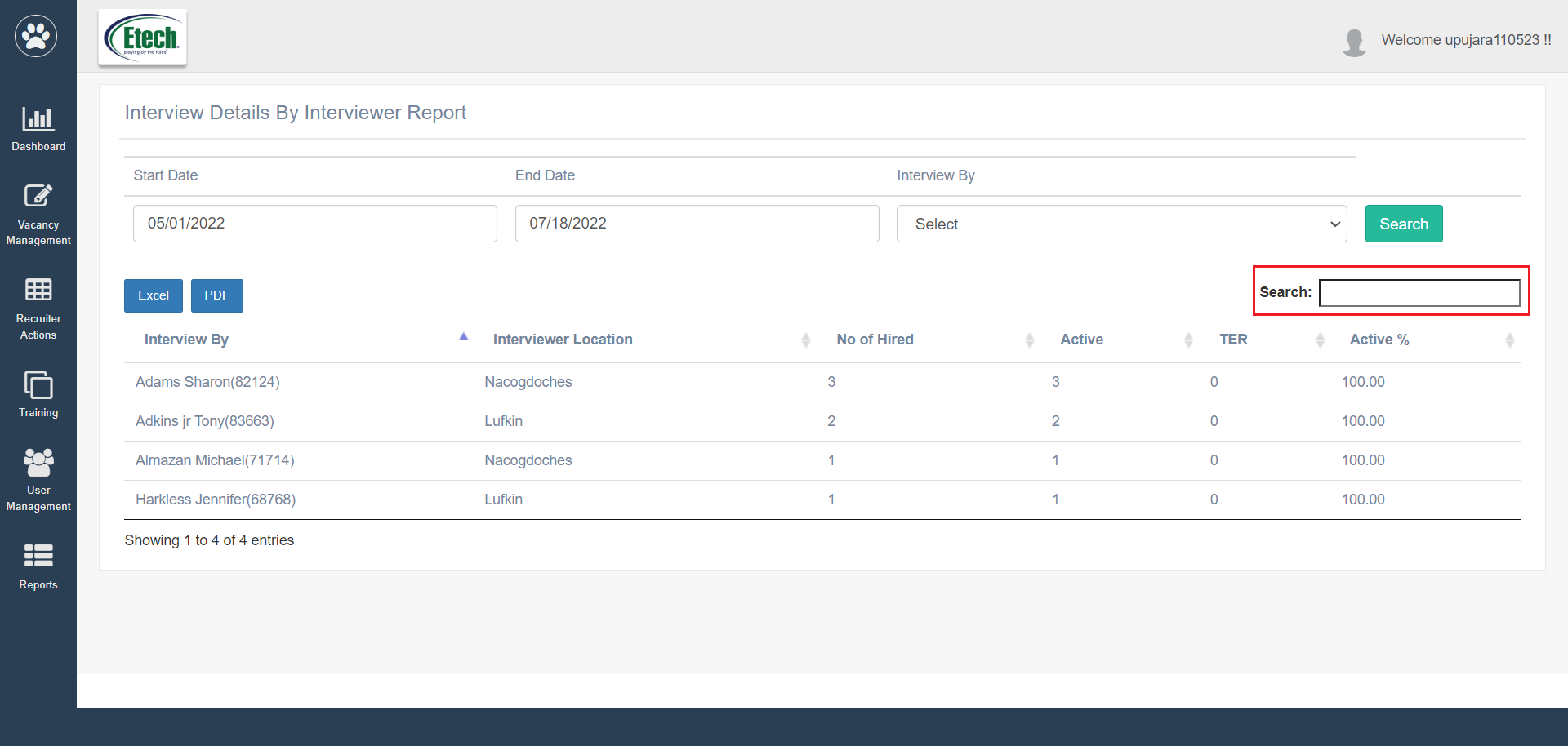
The authorized users can enter the keywords in the search textbox to search for any specific report.
The users can export this report in Excel and PDF format, by clicking on these buttons.