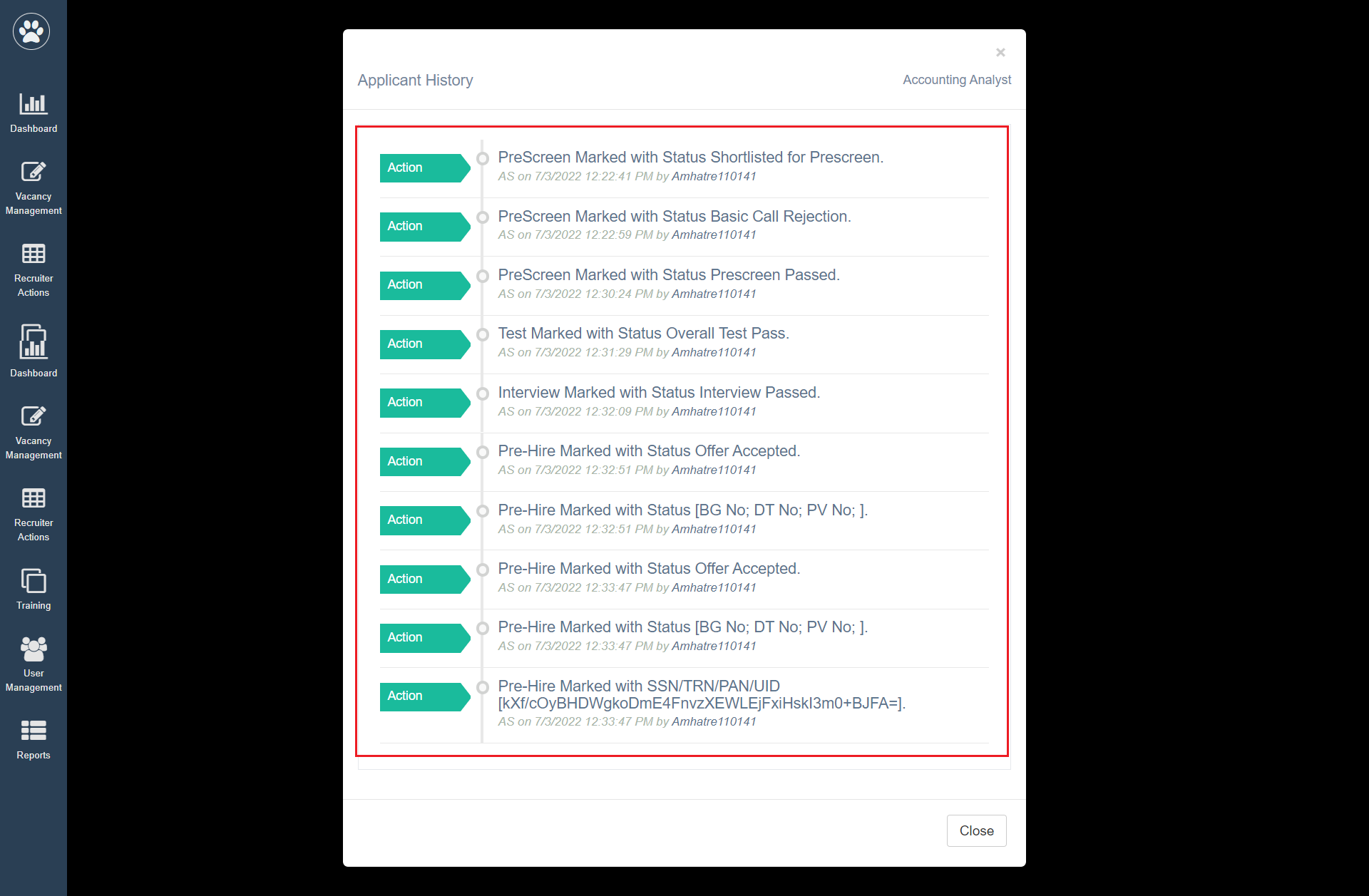
The recruiters can view the Applicant’s recruitment history. If any update has occurred in the status of the application a record is created in the History tab, along with the user ID and timestamp.
To access this tab, select Recruiter Action > Candidate List > Action Column.
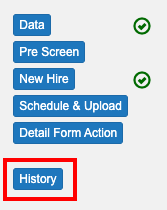
Click on the History tab.
 The History window will appear as shown below: