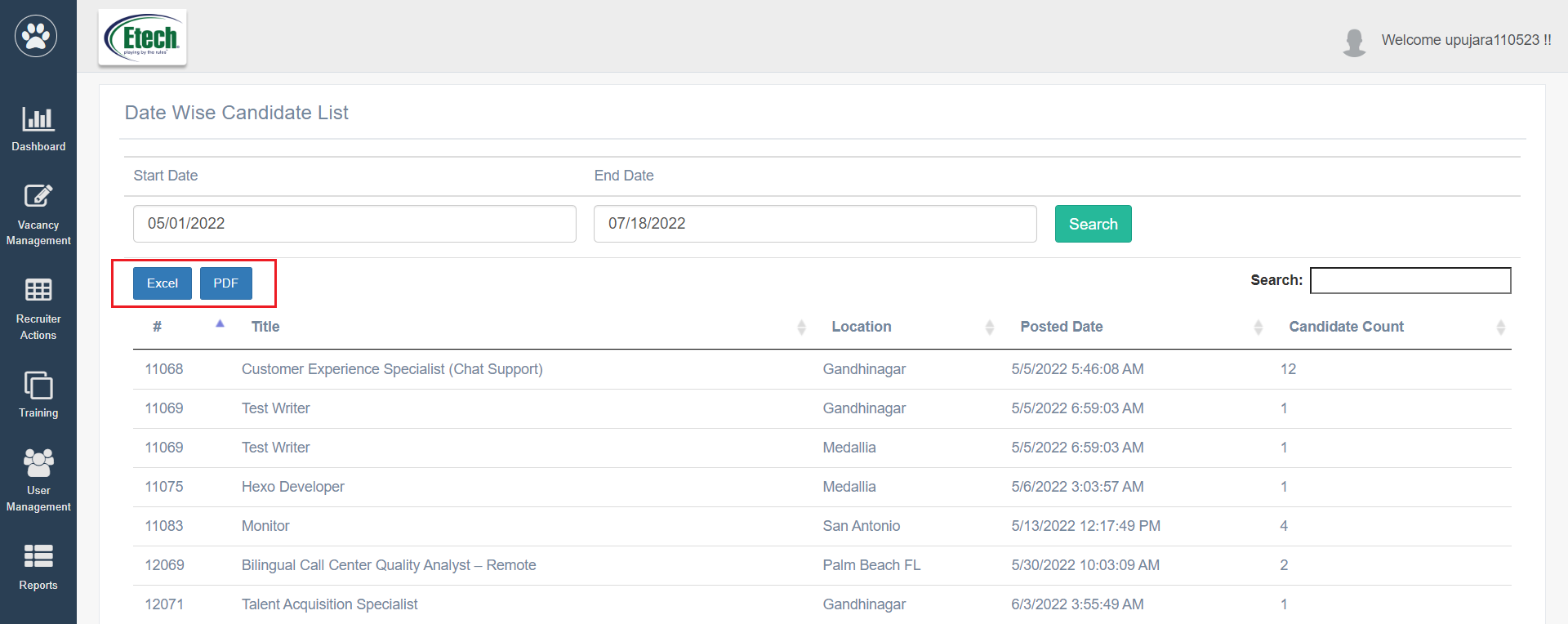
The Vacancy Data report displays the vacancies posted within the selected dates and the total applications received for it.
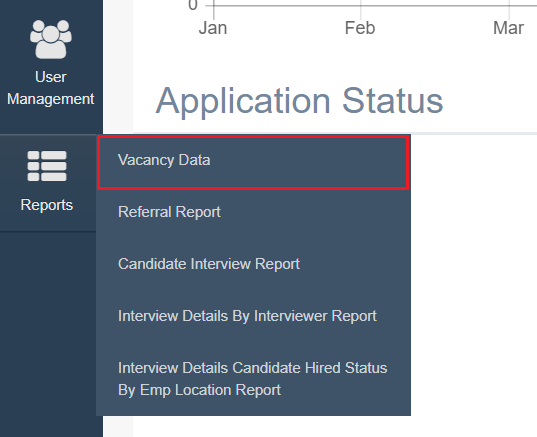
To access this report, select Report > Vacancy Data.
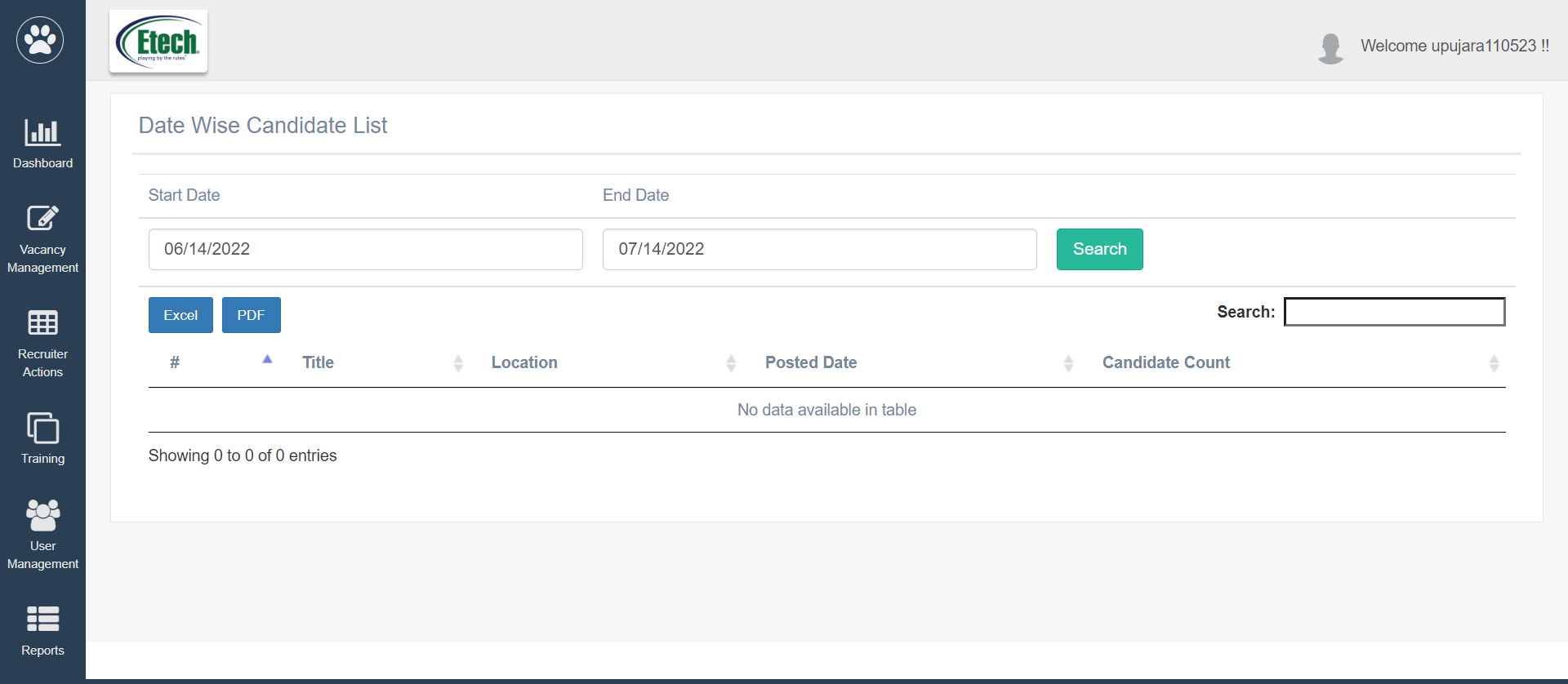
The Date Wise Candidate List will be displayed as shown below:
To search for specific dates, set the date range by selecting the Start Date and End Date search filters. Then click on the Search button.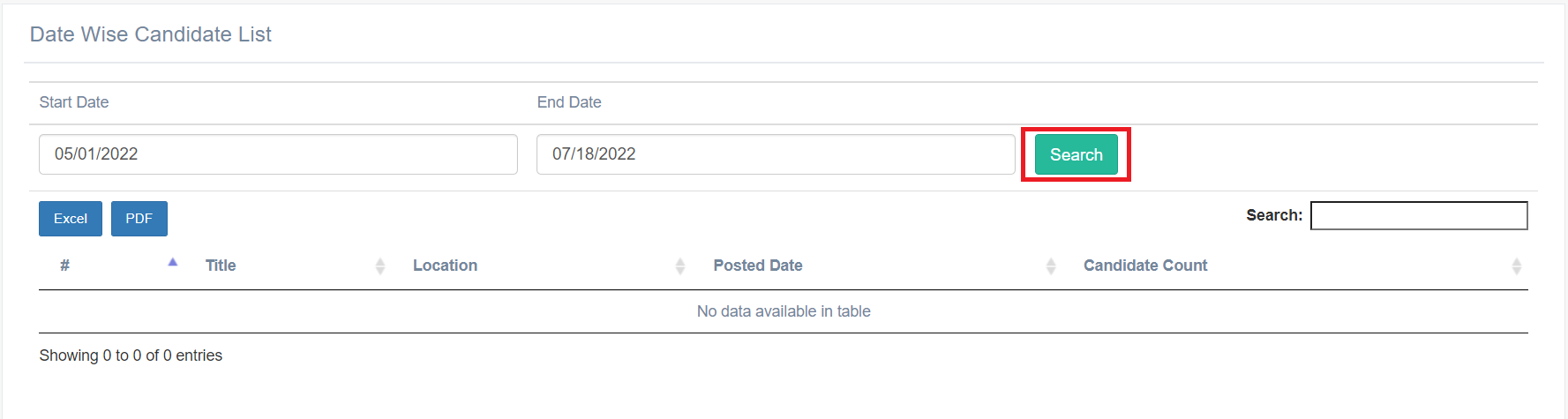
Based on the set filters, the data will be displayed as shown below:
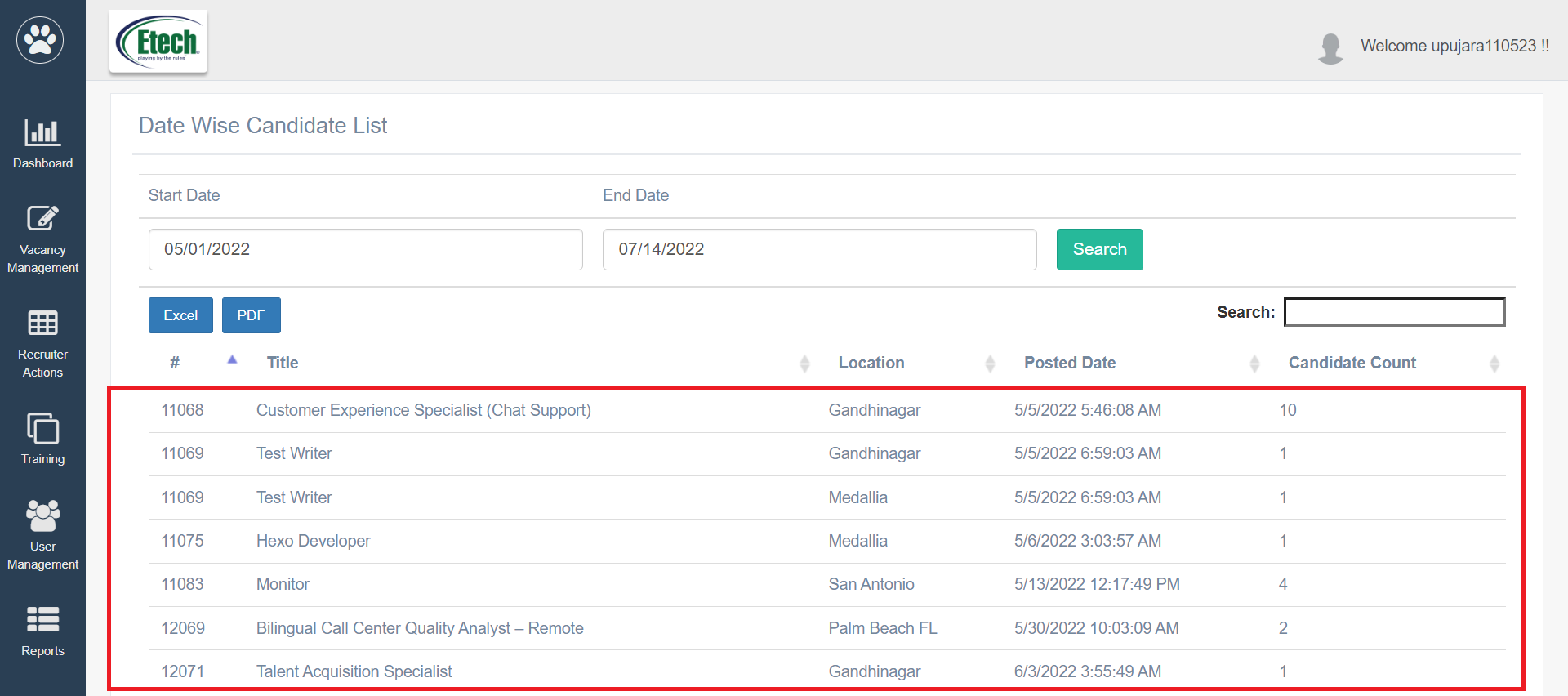
This report displays the following information:
- Vacancy ID: The IDs of the job vacancy posted will be displayed.
- Job Title: The name of the job will be displayed.
- Location: The location of the job will be displayed.
- Posted Date: The date of the day when the job was posted will be displayed.
- Candidate Count: The number of applications received for the job posting will be displayed.
The authorized users can enter the keywords in the search textbox to search for any specific report.
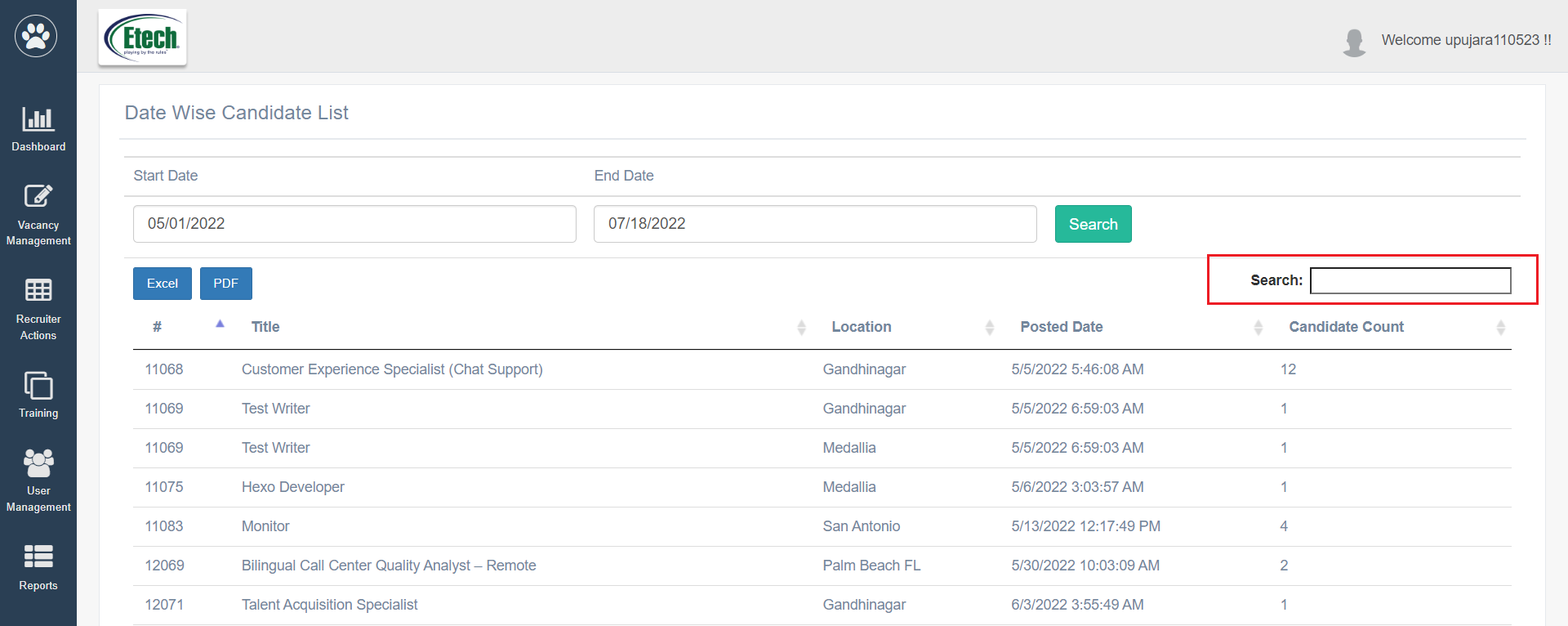
The users can export this report in Excel and PDF format.